
Portraits
Cut a person out of a busy room or outdoor scene and keep the outline around hair and clothing. Soft flyaway strands can be simplified, so a sharp source photo helps.
Upload a photo and get the subject back on a transparent background. One click, PNG download, no account.
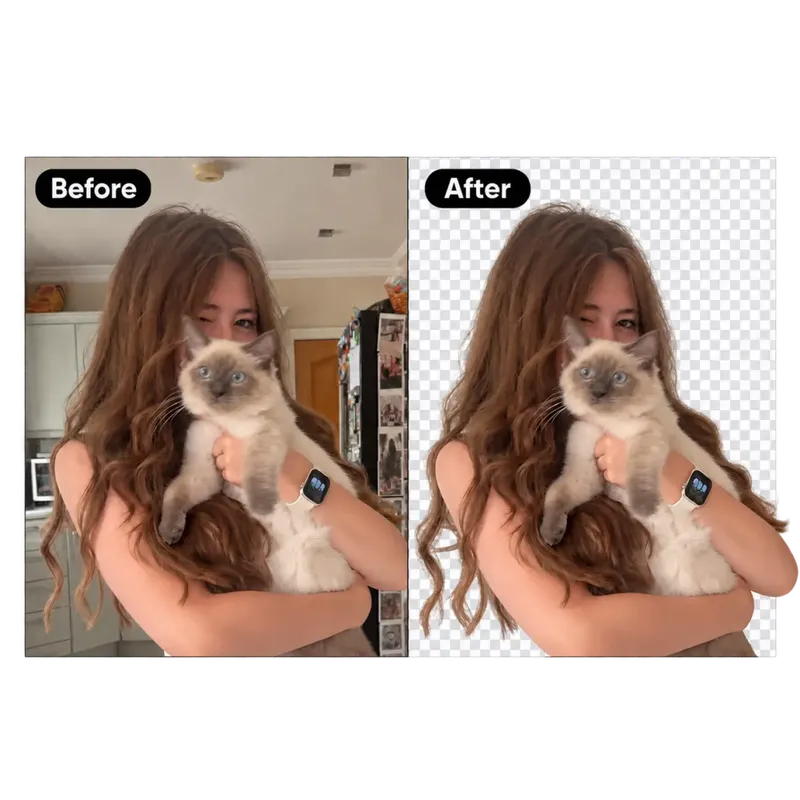
A dedicated background-removal model separates the main subject from everything behind it, so the file you download has a real alpha channel — ready for slides, stores and design tools.

Upload an image to start
Upload Image
or drag and drop an image here
Supported: PNG, JPEG, JPG, WEBP
Not sure? Try one of these:
Upload your photo
Drop a JPG, PNG or WebP. The subject should be clearly in view.
Remove the background
Choose a file or an example, then wait for the cut-out. Compare the before and after with the slider.
Download a transparent PNG
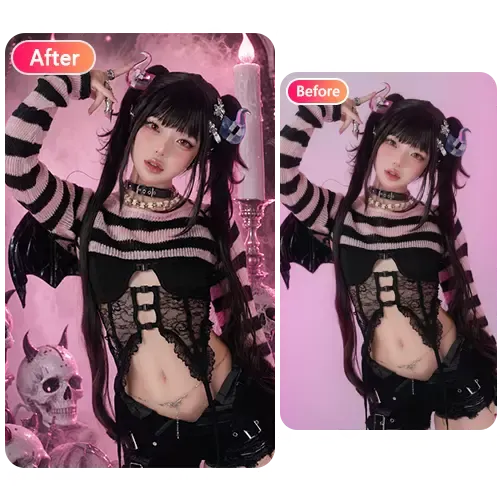
Save the subject on a transparent background, or add a solid color, photo or blur behind it first.
This tool is built for a fast, clean PNG in the browser. Manual tools still win when you need complete control over a messy edge.
| Compared on | No-login AI cut-out | Traditional manual cut-out |
|---|---|---|
| Sign-up and software | No account. It runs in the browser. | Usually needs installed software, and often a paid license. |
| Time per photo | About 20 seconds for a typical image. | A careful cut around hair or fur can take several minutes. |
| Editing skill | No masks or pen-tool work. | You trace edges, build a mask, and clean it up yourself. |
| What you download | A transparent PNG, ready to place on a new scene. | Depends on the program and the export steps you set up. |
| Hair and fine edges | Keeps soft edges where it can. Very fine strands may be simplified. | You can spend as long as you need on a difficult edge. |
| Cost and limits | Free to use, with a short cooldown and a daily limit per visitor. | No daily cap, but every image takes manual time. |
| Devices | Works in a browser on a phone or a computer. Nothing to install. | Desktop software, often tied to one machine. |
It works best when one subject is clearly in focus. The uses below show what that looks like in practice.
Cut a person out of a busy room or outdoor scene and keep the outline around hair and clothing. Soft flyaway strands can be simplified, so a sharp source photo helps.
Isolate a single item for a store listing, a slide, or a catalog. The download is a transparent PNG you can drop onto a white, branded, or lifestyle background.
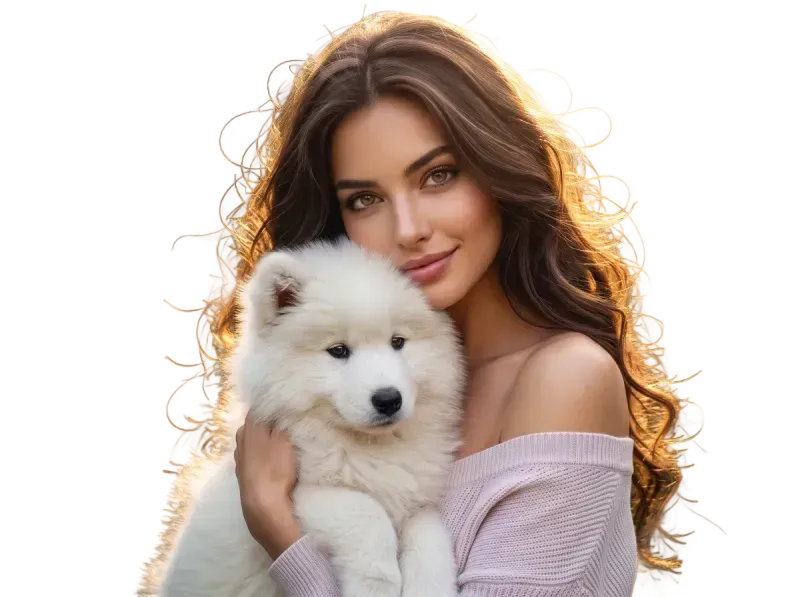
Separate a dog, cat, or other animal from the sofa or the park. Fur at the edges is the hard part — the model keeps a natural fringe where it can, but a blurry or low-contrast photo will look softer.
Lift a character or drawn subject off its original backdrop. Flat colors and clear outlines usually cut cleanly; busy patterns or overlapping figures can lose a little edge detail.
Pull a logo, icon, sticker, or lettering off a photo or a textured background. It works when the graphic is the clear main subject, not when it is a small mark lost in a crowded frame.
Upload one photo and get the subject back on a clear background, ready to place on a new scene. It runs without an account.
Remove a background now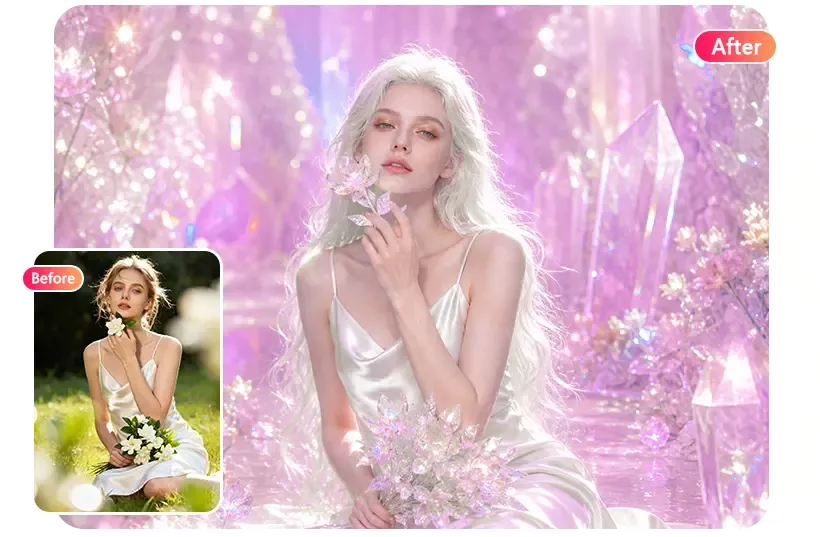
Yes. It runs without sign-up, with a short wait between images and a daily limit per visitor.
A PNG with a transparent background. Open it in any editor or drop it onto a new background.
The model keeps soft edges where it can. Very fine strands can be simplified, especially on low-resolution photos.
Yes — use the prompt editor on the homepage and describe the new background, for example “a clean white studio”.
JPG, PNG or WebP, up to 20 MB. Images should be at least 64×64 pixels, and no more than 8192 pixels on a side. A clear, well-lit source photo gives the cleanest cut.
Not for this background remover. It runs without sign-up, with a short wait between images and a daily limit per visitor. Paid models in the photo editor do require a Google sign-in and credits.
Yes. After the cut-out, you can add a solid color, another photo, or a blur behind the subject on this page. To describe a completely new scene in words, use the prompt editor on the homepage.
Yes. Your image is sent to our AI model providers to process this request. We do not ask for your name or email to use the free tools. See the privacy policy for details.