
AI Photo Enhancer — No Sign Up
Fix dull, noisy or soft photos in seconds. The enhancer improves detail, light and color without changing what is in the picture.
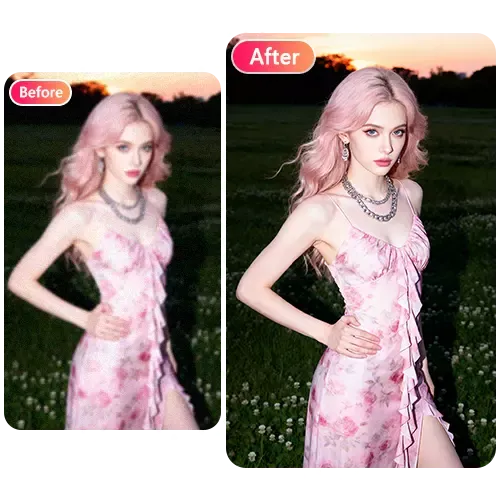
Three Steps to a Cleaner Photo
Upload a photo, choose how creative the AI may be, and press Start. It balances exposure and white balance, reduces noise and compression blocks, and sharpens fine detail.
1Upload a photo
(JPG, PNG, WEBP) ≤ 20 MB
2Select Creative Factor
Higher values give the AI more creative freedom
3Click 'Start it!' to begin
Natural, not over-processed
The enhancer is instructed to keep people, faces, text and objects exactly as they are. For bigger changes, use the prompt editor instead.
More free tools
Clean up a dull or noisy photo
Improve detail, light and color at around 1024 pixels. This is not an upscaler, and it will not invent a new picture.
Enhance a photo now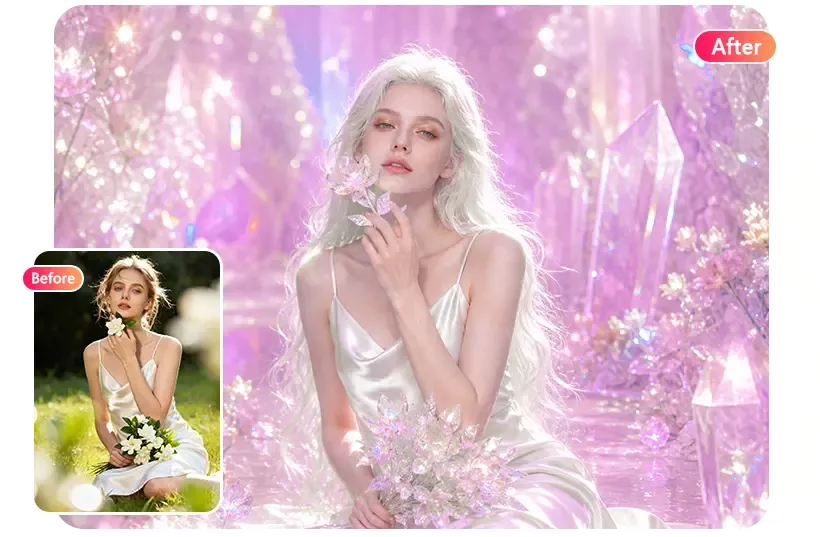
FAQ
Is the photo enhancer free?
Yes, no sign-up needed. There is a short wait between photos and a daily limit per visitor.
Does it make photos bigger?
No. It improves quality at around 1024 pixels on the long side; it is not an upscaler.
Can it restore old photos?
It can clean up noise and color on old scans. Badly damaged photos may need a more specific prompt in the editor.
Will it change faces?
It is told not to. If you notice changes, try a sharper source photo or the prompt editor with “keep the face exactly the same”.