
Image to Image AI — No Sign Up
Start from your own photo and describe how it should change. The result keeps your composition and follows your words.
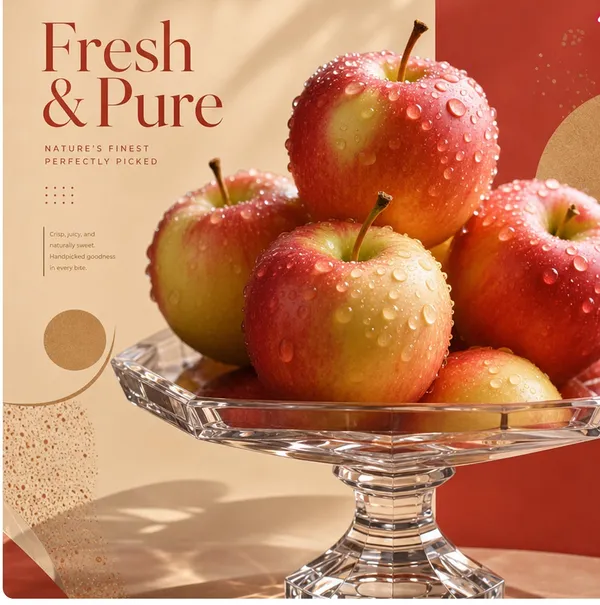
Your photo is the starting point
Unlike text-to-image, the model works from the image you upload, so layout, pose and subject stay recognisable while the style or scene changes.
Model
Image Upload
JPEG, JPG, PNG or WEBP, up to 20 MB
No image? Describe one below and we will generate it from text.
Prompt
Try these examples
Aspect Ratio
Free without an account · short cooldown between runs
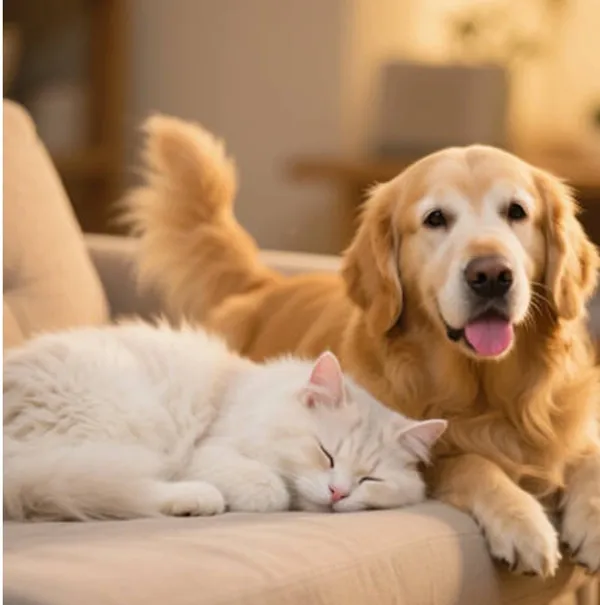
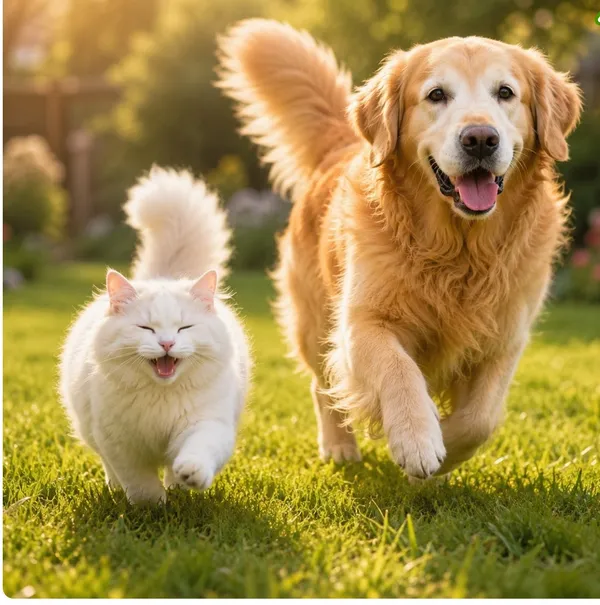
Prompt: Show the two pets playing together on a sunny lawn.
Prompts that work well
Name the change and what to keep: “turn this into a watercolor painting, keep the faces the same”, “make it night time with warm street lights”, “change the car to matte black”.
How to Edit an Image with a Prompt
- 1
Upload the starting photo
Use a JPG, PNG or WebP of the picture you want to change. This page starts from your photo, not from a blank prompt.
- 2
Describe the change
Say what should change and what to keep, for example “turn this into a watercolor, keep the faces the same”.
- 3
Generate and download
Preview the new image and save it to your device when you like the result.
More free tools
Change a photo you already have
Start from your own image and say what should stay and what should change. The model follows the photo, not a blank canvas.
Transform an image now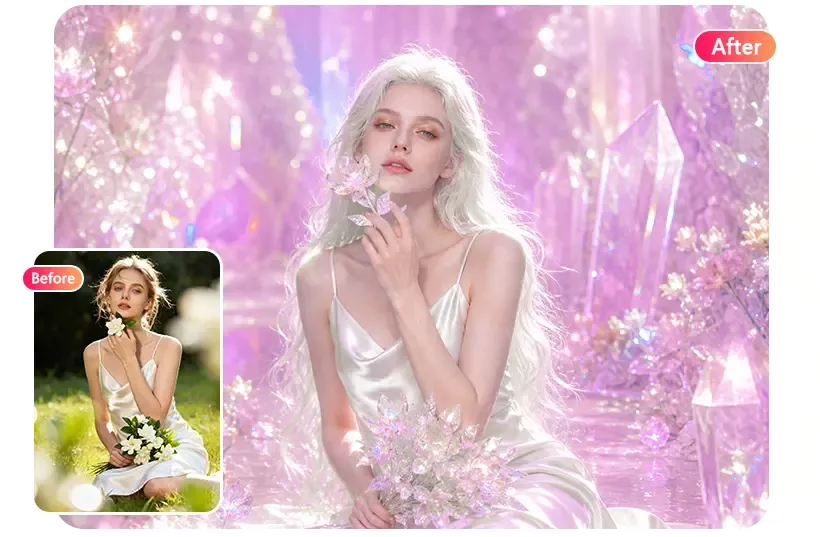
FAQ
Is image to image free here?
Yes, without an account. Free use has a short cooldown and a daily limit. Higher-detail editing is available after sign-in.
How is this different from text to image?
Text to image creates a picture from words only. Image to image changes a picture you already have.
Will it change the people in my photo?
Ask it to keep faces or people unchanged. Large style changes can still alter small details.
What resolution is the output?
Results are around 1024 pixels on the long side, suitable for web and social use.